Great! Now that you’ve logged in, let’s add a participant.
To Add a Participant
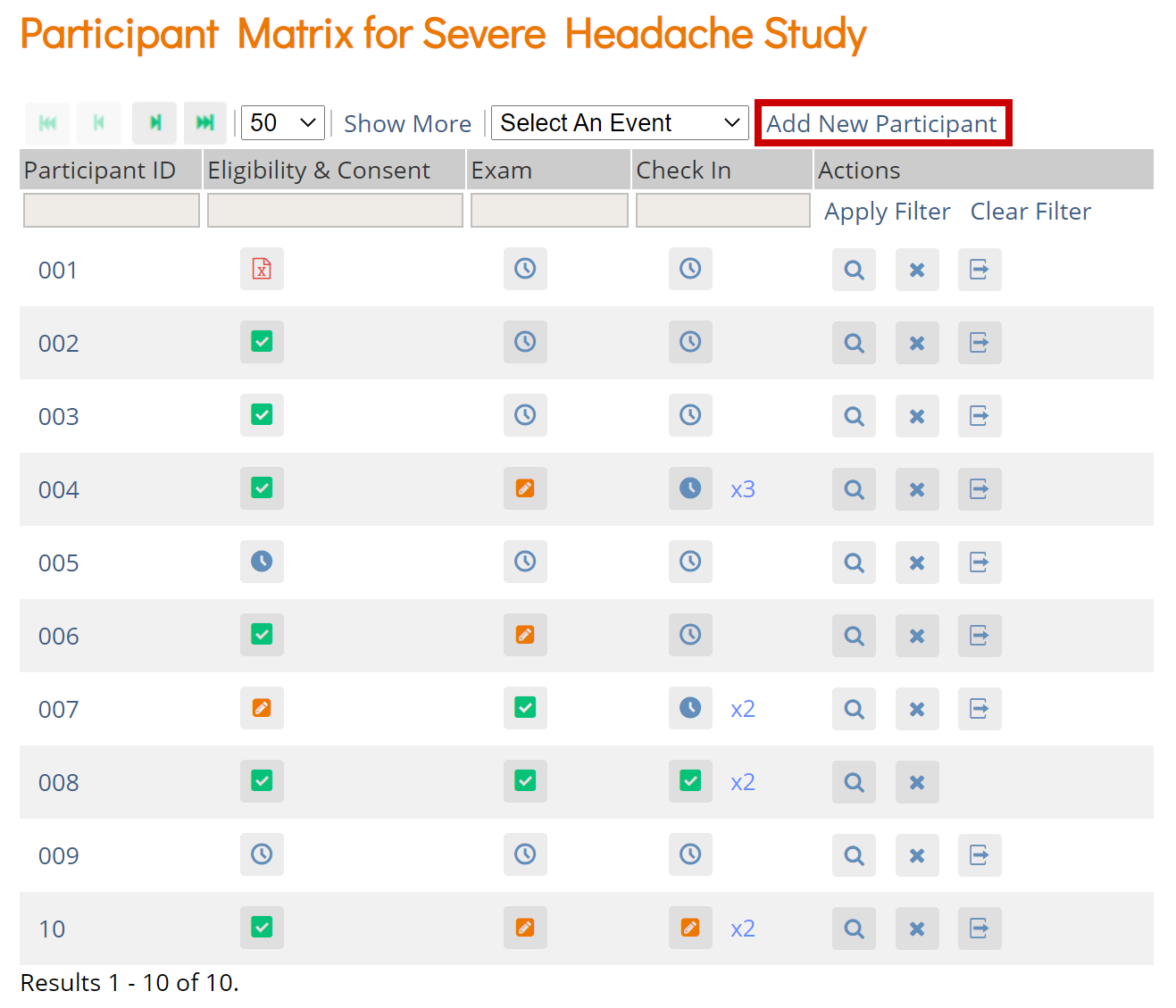
- On the Participant Matrix screen, click the Add New Participant link above the matrix.
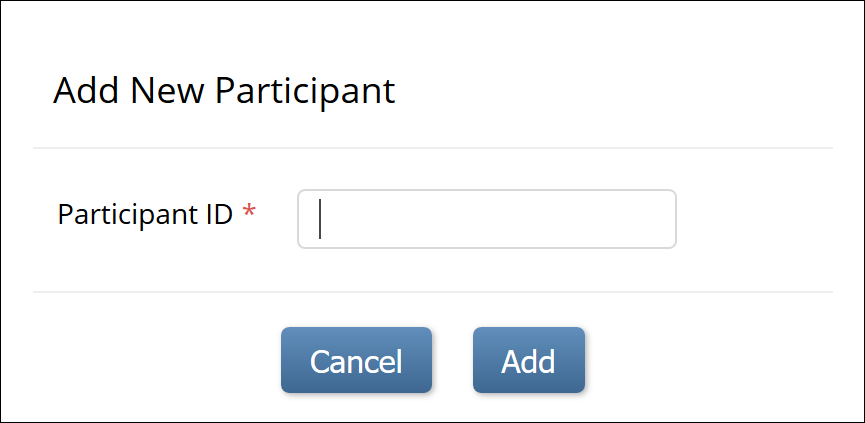
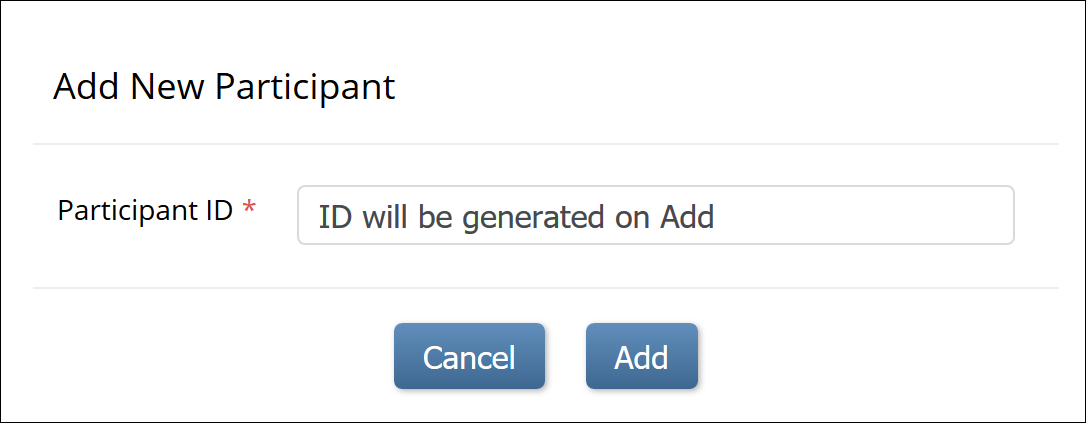
- Enter a Participant ID on the Add New Participant screen. (This should be a unique identifier, e.g. 001). If your study is set to auto-generate, an ID based on a pre-defined template appears.
- Click the Add button.
Was this article helpful?
That’s Great!
Thank you for your feedback
Sorry! We couldn't be helpful
Thank you for your feedback
Feedback sent
We appreciate your effort and will try to fix the article